I’ve explored using Jumbo Frames in my environments in the past and there was one area that urked me. I couldn’t get them working in WinPE.
So I decided to solve this problem once and for all.
Mount your WinPE WIM as read-write.
Open Regedit.exe as a SYSTEM account (use psexec -i -s regedit.exe) and “File > Load Hive…”
Browse to the mount directory and go to \Windows\System32\Config\Drivers
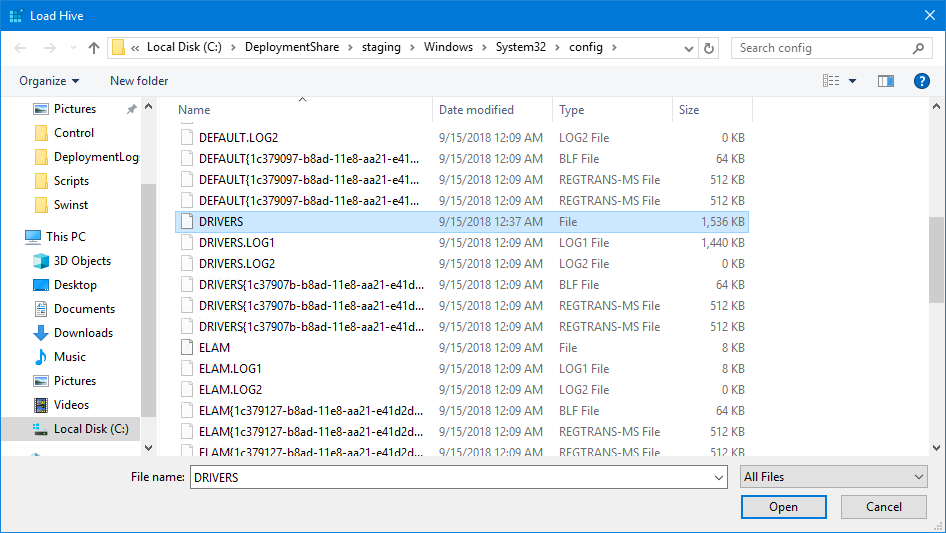
I mounted mine as PE_DRIVERS under HKEY_LOCAL_MACHINE
Browse to this location:
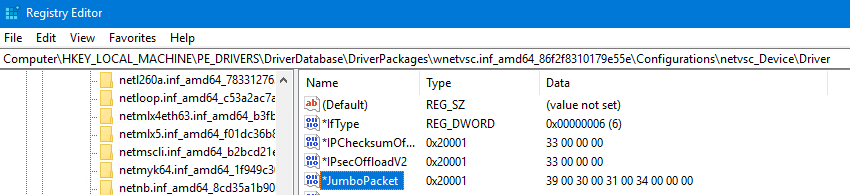
HKEY_LOCAL_MACHINE\PE_DRIVERS\DriverDatabase\DriverPackages\wnetvsc.inf_amd64_86f2f8310179e55e\Configurations\netvsc_Device\Driver
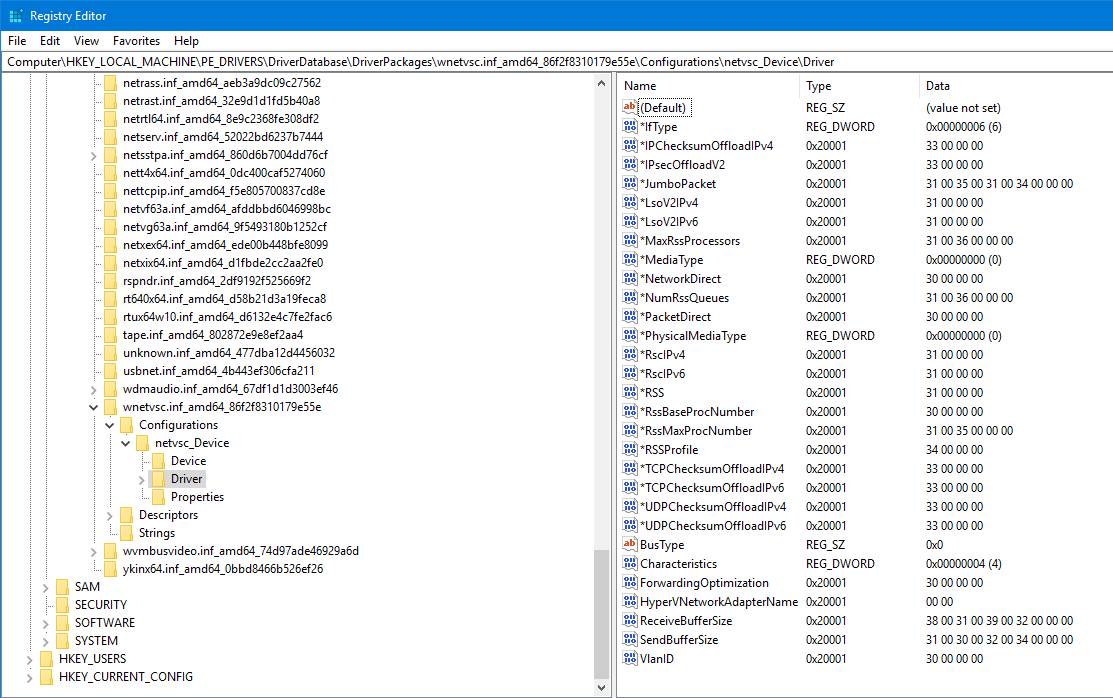
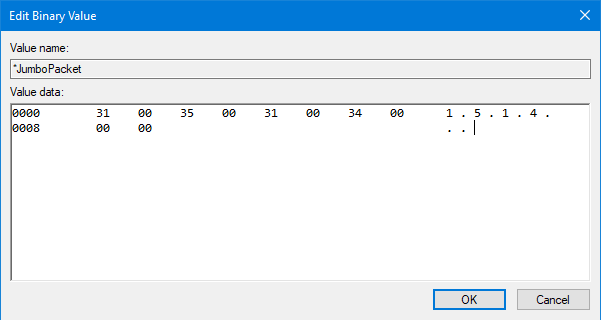
Double click on *JumboPacket and change the text from 1 . 5 . 1 . 4:
to 9 . 0 . 1 . 4:
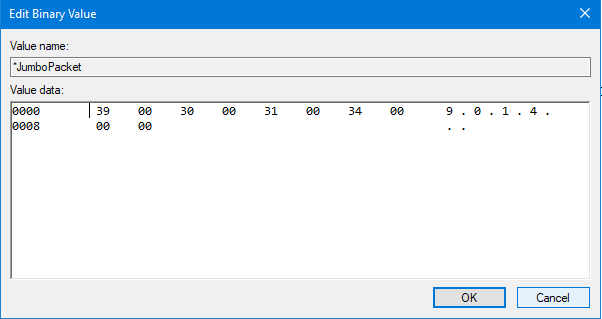
The end result should look like this:
Unload your hive and commit your WIM. Next time you boot up and network is enabled you should have jumbo packets enabled!