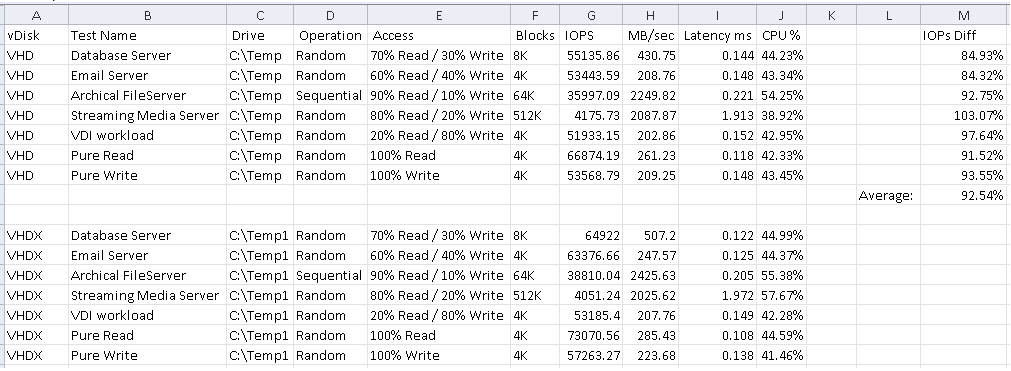
Per my previous post, we have been upgrading our storage backend and one of the features is 4K sector sizes being used. This is an issue as VHD files will not mount when they reside on 4K storage. Since we want this feature our two choices are to downgrade our storage to 512B sector sizes or move to the VHDX format. I would prefer to move to the VHDX format as it has a small performance advantage (~7.5% was what I measured) and future proofs us a little bit for when we upgrade our PVS servers to 2012.
The VHDX supports 512e on 4K storage which is only supported on the following operating systems:
- Windows Vista
- Windows 7
- Windows Server 2008*
- Windows Server 2008 R2*
- Windows Server 2012
- Windows 8
So Windows Server 2003 is out, we are going to have to deal with not being able to mount their vDisks. For our Windows Server 2008 R2 servers we can convert our VHD files to VHDX. This is the process I have developed. Because we are going to be mounting the VHD and VHDX files you will need your files to reside on 512B storage. Without further ado, here are the steps to convert your VHD to VHDX:
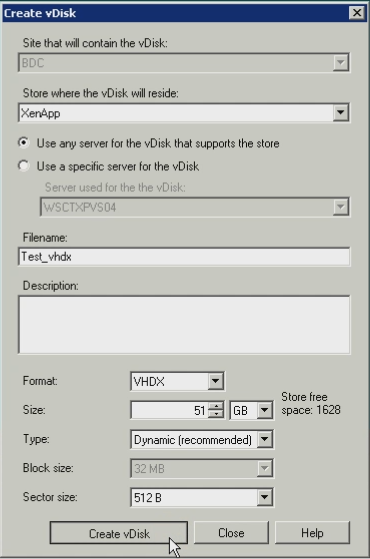
- Create your VHDX file. Ensure to select 512B if you are migrating an operating system older than Server 2012.
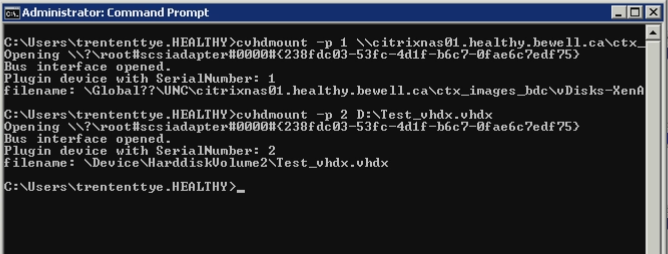
- Mount your VHD file and your VHDX file. Format and set the partition as active for the VHDX if needed.
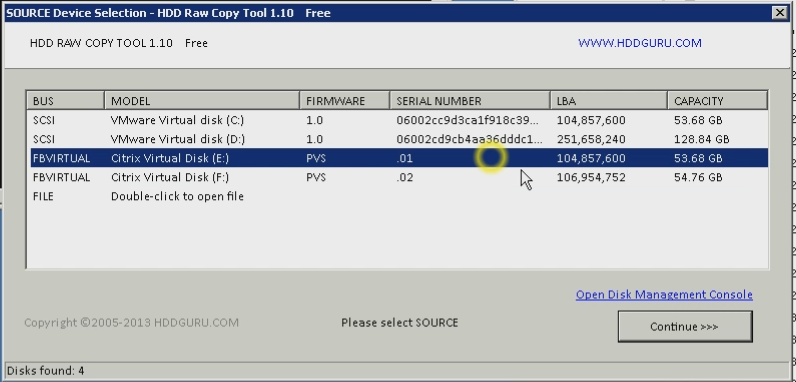
- Use a clone utility (DriveImage XML, Windows Server Backup or HDDRawCopy) to clone your VHD to the VHDX via the mounted paths.
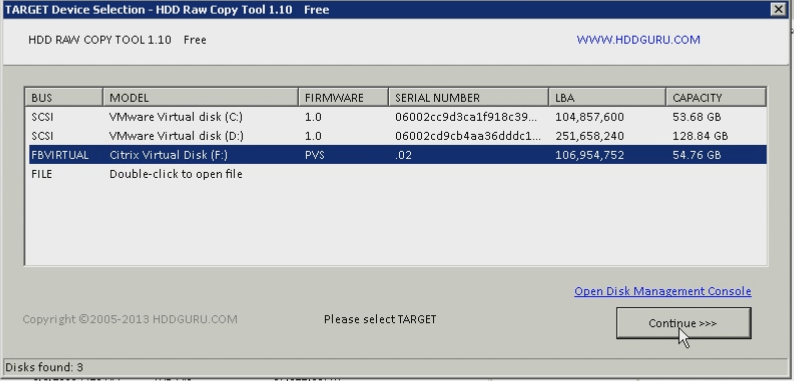
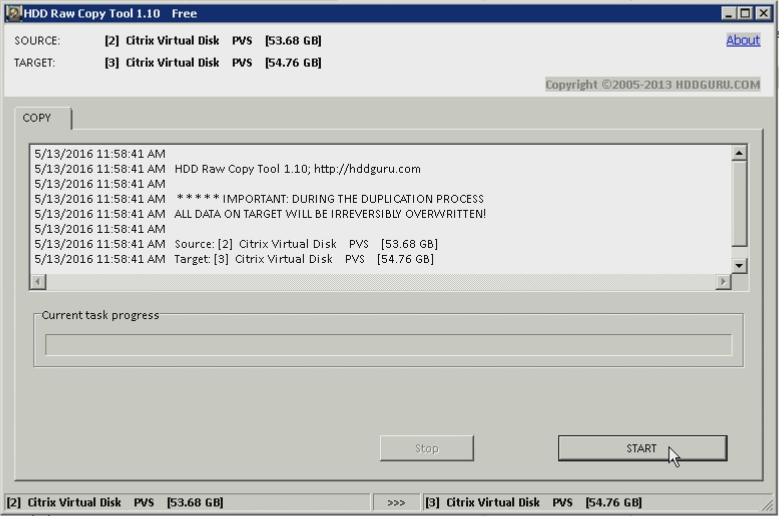
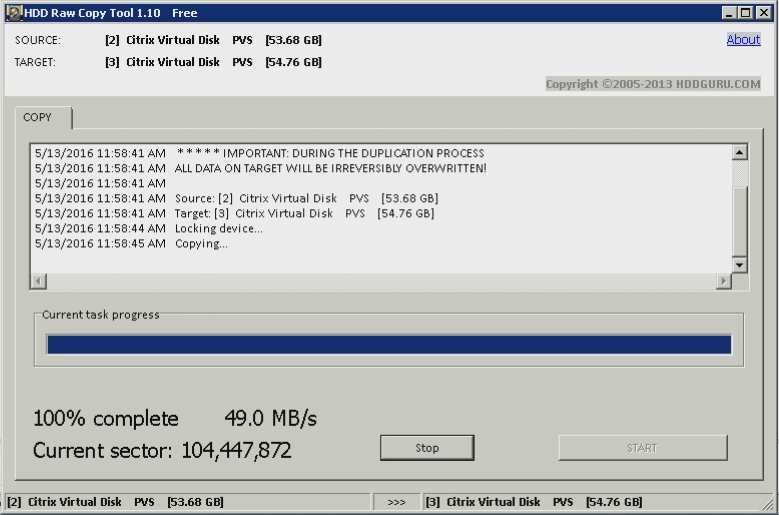
- Take this opportunity to defrag your cloned VHDX.
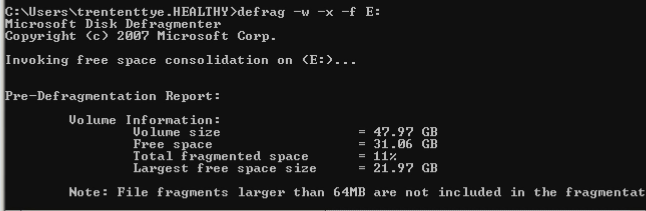
- Assign your vDisk to your target device.
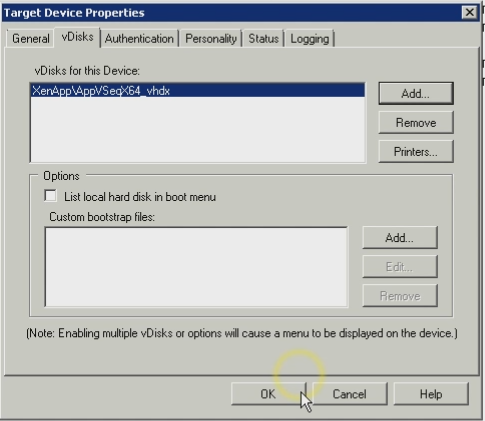
- Done!