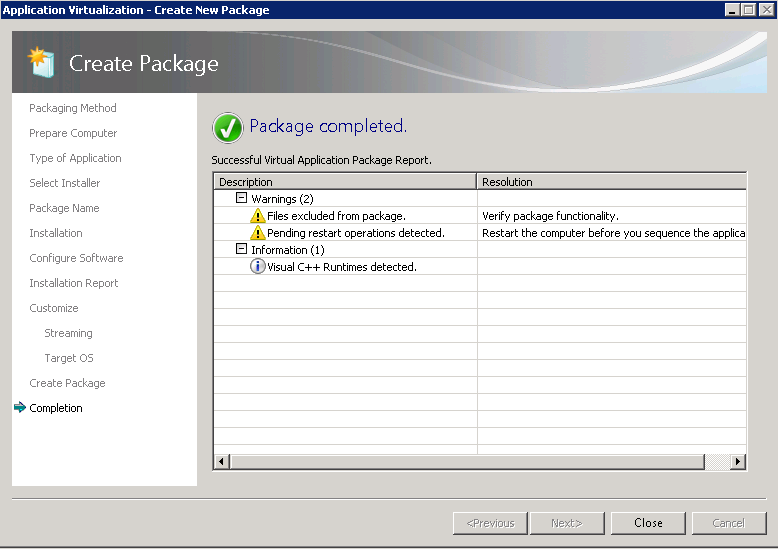
1) Check ‘I am finished installing’ and click ‘Next’

2) Wait out the ‘Collecting system changes’…

3) You may choose to ‘select’ your application and click ‘Run Selected’ then click ‘Next’

4) Click ‘Next’
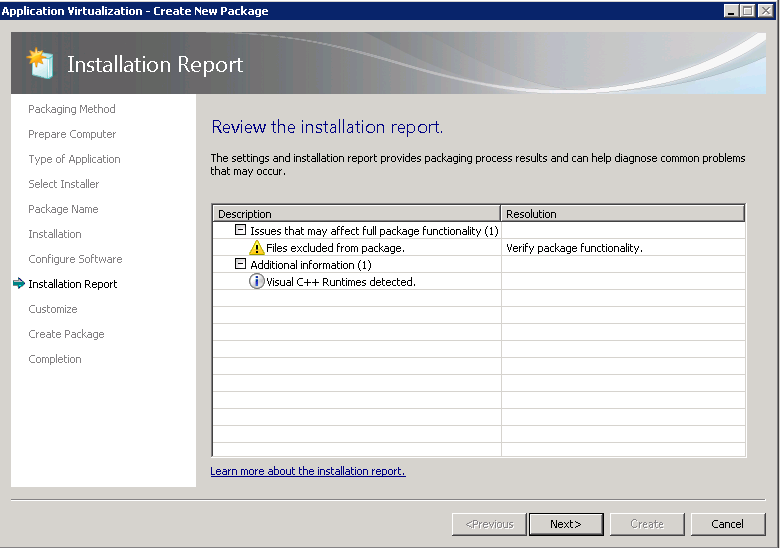
5) Select ‘Customize’ and click ‘Next’

6) Select ‘Force applications to be fully downloaded’ and click ‘Next’

7) Select ‘Allow this package to run on any operating system’ and click ‘Next’

8) Select ‘Continue to modify this package without saving using the package editor’ and click ‘Next’

9) Click ‘Close’